PS5 HDMI Port Repair Cost: What You’ll Really Pay (and Why It Varies)
5 min read
Mon–Sat 10 AM–7 PM · Sun 12–6 PMPS5 HDMI port repair cost depends on how far the damage goes: a bent or loose port is a micro-soldering swap of the connector, while a port that pulled pads off the board or damaged the HDMI controller chip takes more work. Shops that replace the whole motherboard charge more than shops that repair the port.
If your PS5 suddenly shows no signal or a black screen, there is a good chance the HDMI port is damaged. It is one of the most common PS5 faults. This guide explains why the port fails, how to spot it early, what sets the repair price, and how to keep it from happening again.
Why the PS5 HDMI Port Fails
The port rarely fails all at once; daily plugging, cable strain and the occasional yank wear it down until the picture flickers and then drops out. The usual causes:
- Frequent plugging and unplugging of the cable.
- Low-quality or overly tight HDMI cables that stress the pins.
- Console placement that leaves the cable bent or pulled at an angle.
- Power surges or electrical shorts through the cable.
Identifying Common HDMI Port Issues on the PS5
If the console powers on with its light and fan but the TV stays black, the HDMI port is the first suspect. Here are the four signs we see most.
1. No Display or “No Signal” on TV
You press power, the PS5 turns on, the TV says No Signal. After you have tried another cable and another HDMI input, this almost always points to a damaged or loose HDMI port on the console.
2. Bent or Damaged Pins Inside the HDMI Port
Shine a flashlight into the port. The tiny pins carry picture and sound, and a single bent one can kill the image. Bent pins usually come from a cable pushed in too hard or at an angle.
3. Loose or Wobbly HDMI Connection
If the cable moves around in the port, the connection is weak and the signal breaks up. You will see flicker, drop-outs, or a black screen for a few seconds when the cable is touched.
4. Flickering or Intermittent Video Output
A picture that blinks or cuts out is the port losing contact for a moment. Small cable movements make it worse. It looks like a glitch, but it is the early stage of a port failure.
How Much Does It Really Cost to Fix a PS5 HDMI Port?
The price depends on the damage and on the repair method. A clean port swap is the most affordable repair; damage to the board pads or the HDMI controller chip costs more; and Sony’s official service, which generally replaces the board, is the most expensive route. Here is what moves the number:
- Level of damage — a single port replacement is the simpler fix; damage that reached the motherboard takes more time and skill.
- Repair method — a port swap, a port plus pad repair, or a full board replacement are three different jobs.
- Parts quality — an OEM-grade port costs more than a cheap one but holds up far longer.
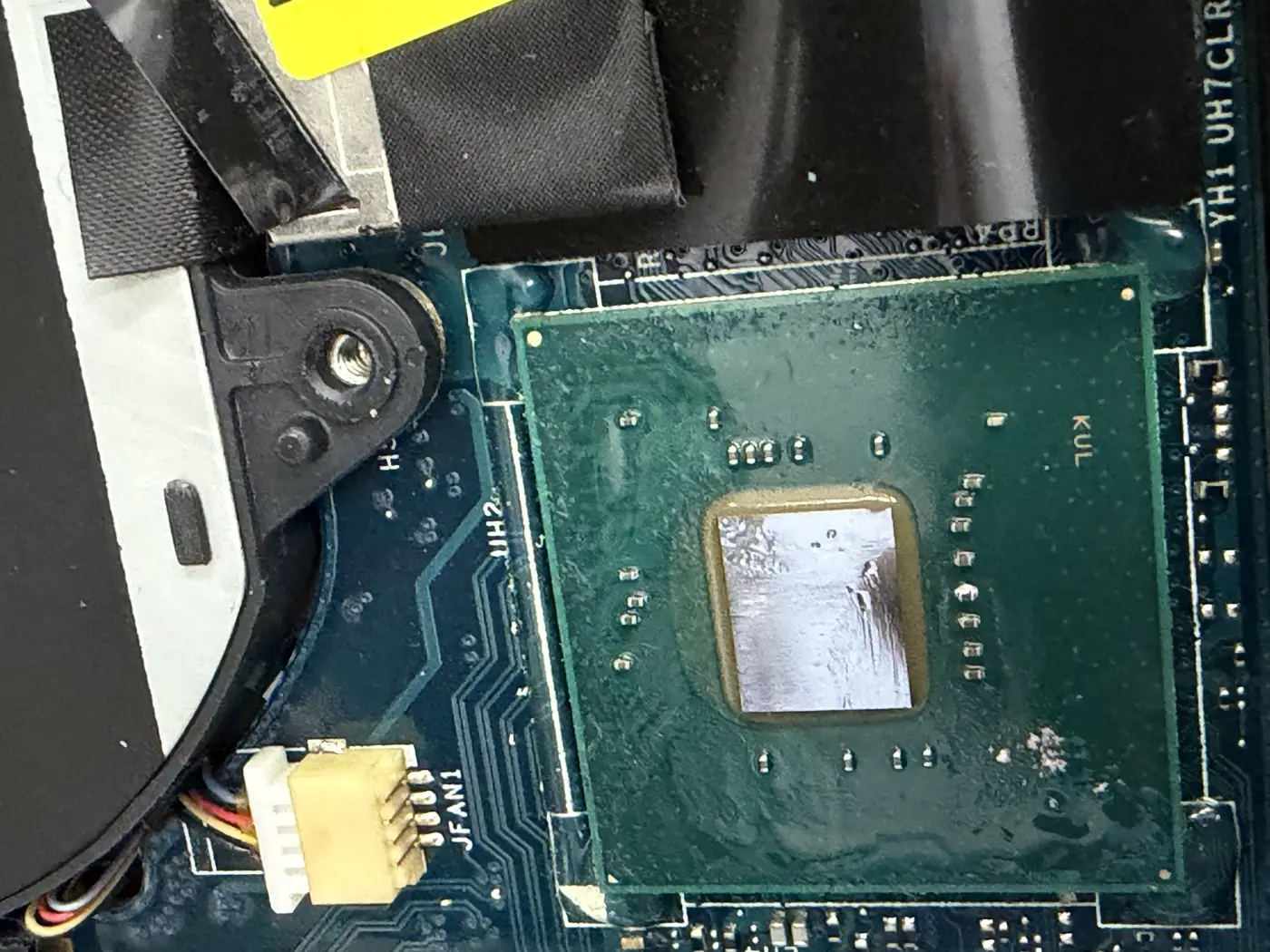
- Technician experience — micro-soldering done with proper tools is what makes the repair safe for the board.
- Testing — a trusted shop tests the console on a TV after the fix. That step adds real value.
Local Repair: Finding Trusted PS5 HDMI Port Repair Near Me
Pick a shop that does micro-soldering in-house, shows real console work, and quotes before touching the board. Things to look for:
- Strong recent reviews that mention console or HDMI repairs.
- Before-and-after photos of real repair work.
- Technicians with console repair experience, not just phones.
- A clear quote before any work starts.
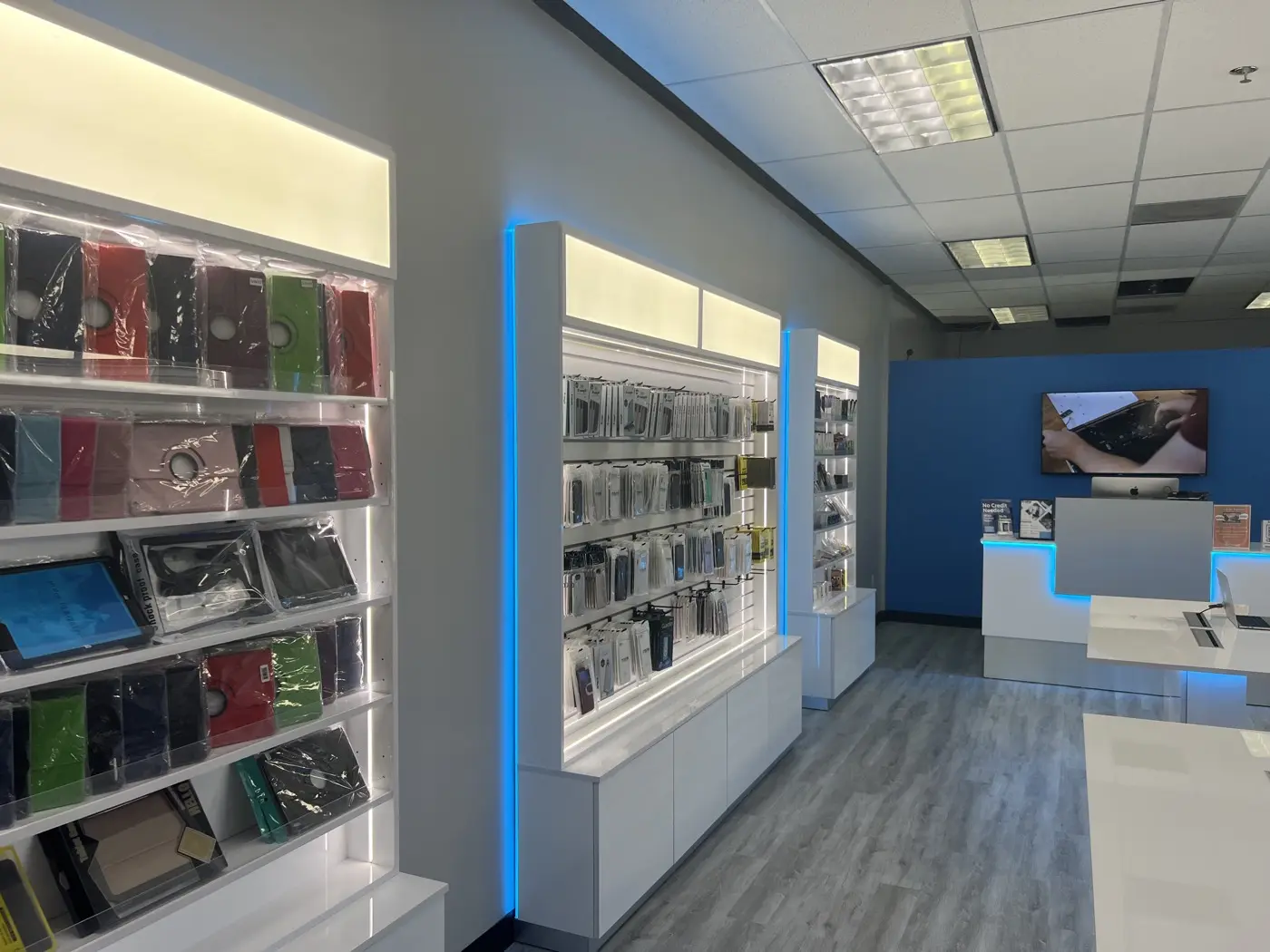
Techy Miramar does game console repair in-house, including PS5 HDMI ports. Every repair uses quality parts, careful micro-soldering, and a full test on a TV before you pick the console up. Most jobs are finished the same day when the part is in stock.
PS5 HDMI Port Protection Tips
The port lasts when the cable is left alone and the console stays put:
- Avoid constant plugging and unplugging.
- Use a quality HDMI cable that seats without force.
- Use an angled HDMI adapter if the cable has to bend near the port.
- Keep the console on a stable surface where the cable is not pulled.
- Plug the PS5 into a surge protector.
Final Thought
Now you know why the port fails, what sets the repair price, and how to keep it from happening again. If the screen flickers or says No Signal, do not keep forcing the cable; a quick check can save the board. Bring the console to 16263 Miramar Pkwy — the basic check is free and you get an exact quote on the spot.
Frequently Asked Questions
How much does it cost to replace a PS5 HDMI port?
It depends on how far the damage goes. Replacing just the port is a micro-soldering job; if torn pads or the HDMI controller chip on the motherboard are involved, it takes more work. Shops that swap the whole board charge more than shops that repair the port. We quote it after a free basic check.
Can I fix my PS5 HDMI port myself?
It is not recommended. The port is soldered directly to the motherboard, so removing it takes a hot-air station, a microscope and a steady hand. A slipped iron can lift pads or damage nearby components and turn a port repair into a board repair.
How long does PS5 HDMI repair take?
When the port is in stock and the damage is limited to the connector, most PS5 HDMI repairs are finished the same day, including a full test on a TV before pickup. If the controller chip or pads are damaged, it can take longer. We give you a time once we have seen the board.
Where can I get PS5 HDMI repair near Miramar, FL?
Techy Miramar at 16263 Miramar Pkwy, Miramar, FL 33027 does PS5 HDMI port repairs in-house with micro-soldering, not board swaps. Bring the console in with its power cable; the basic check is free, you get an exact quote on the spot before any work starts, and most port repairs are finished the same day.
Need it fixed in Miramar?
Bring it in — the basic check is free and you get an exact quote on the spot. Techy Miramar, 16263 Miramar Pkwy, Miramar, FL 33027 · (954) 392-5520 · Mon–Sat 10 AM–7 PM, Sun 12–6 PM. Related services: game console repair, TV repair.